




ScholarLMS Logo
LMS User Management: Users, Roles & Enrollments | ScholarLMS2026-10-22T17:50:43+05:30

User management

Manage learners, roles, and access with confidence

Add users, organize groups, manage enrollments, assign roles, and control access across your learning platform.

No credit card required | Full access for 14 days

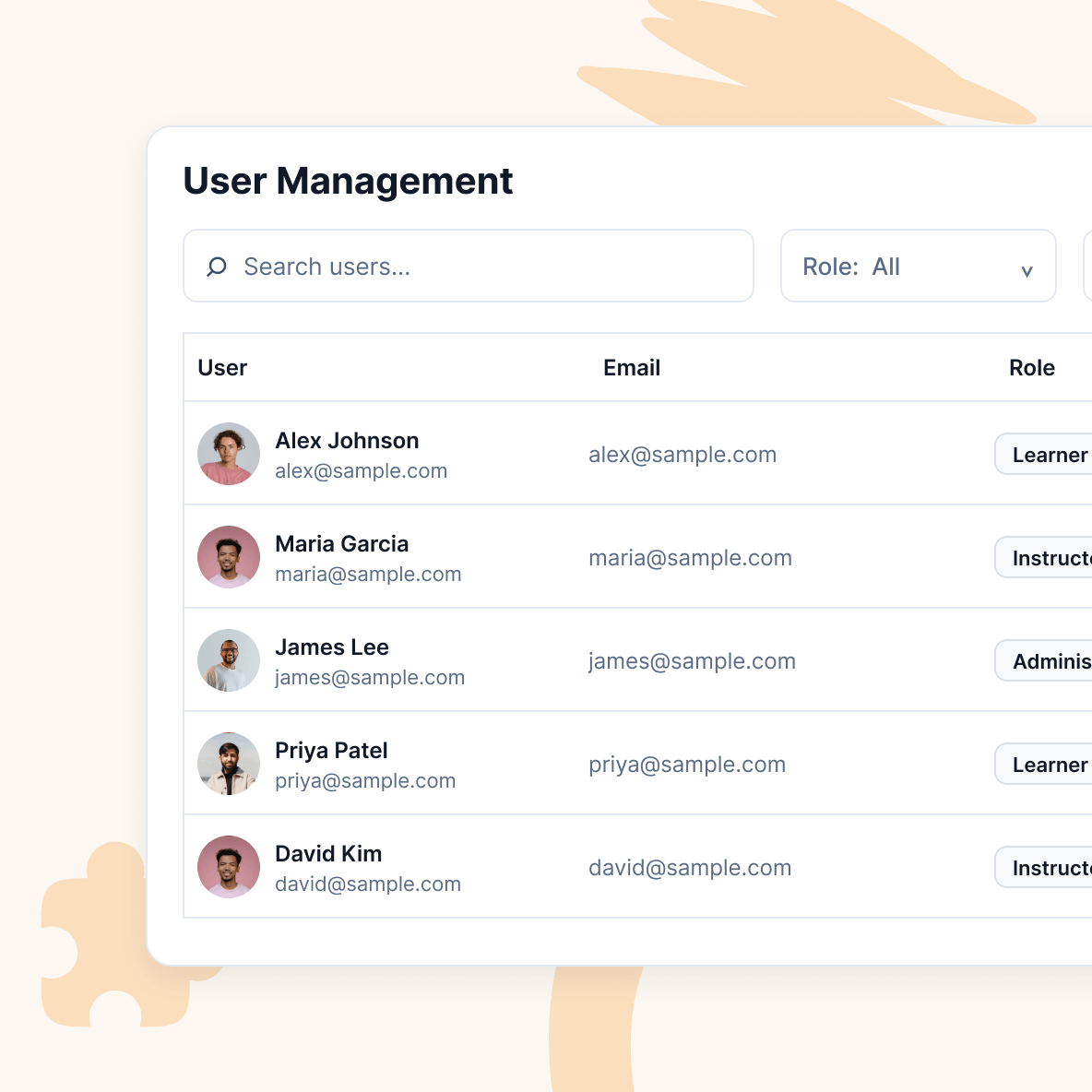
LMS user management dashboard showing learners, roles, and account controls

User administration

Keep user administration efficient as your platform grows

Create, update, organize, and maintain learner and staff accounts without relying on one-by-one administration as your user base expands.

  • Create, update, suspend, and reactivate accounts
  • Import and export user records
  • Enroll multiple learners in bulk
  • Organize users into groups and cohorts
  • Use bulk actions for routine user administration

Course access

Assign learners to the right courses

Manage course enrollments so learners get access to the training they need, whether enrollment is handled manually, through purchase, or as part of an organizational workflow.

  • Upload and manage learner rosters in bulk
  • Support cohort-based access
  • Connect purchases with learner enrollment
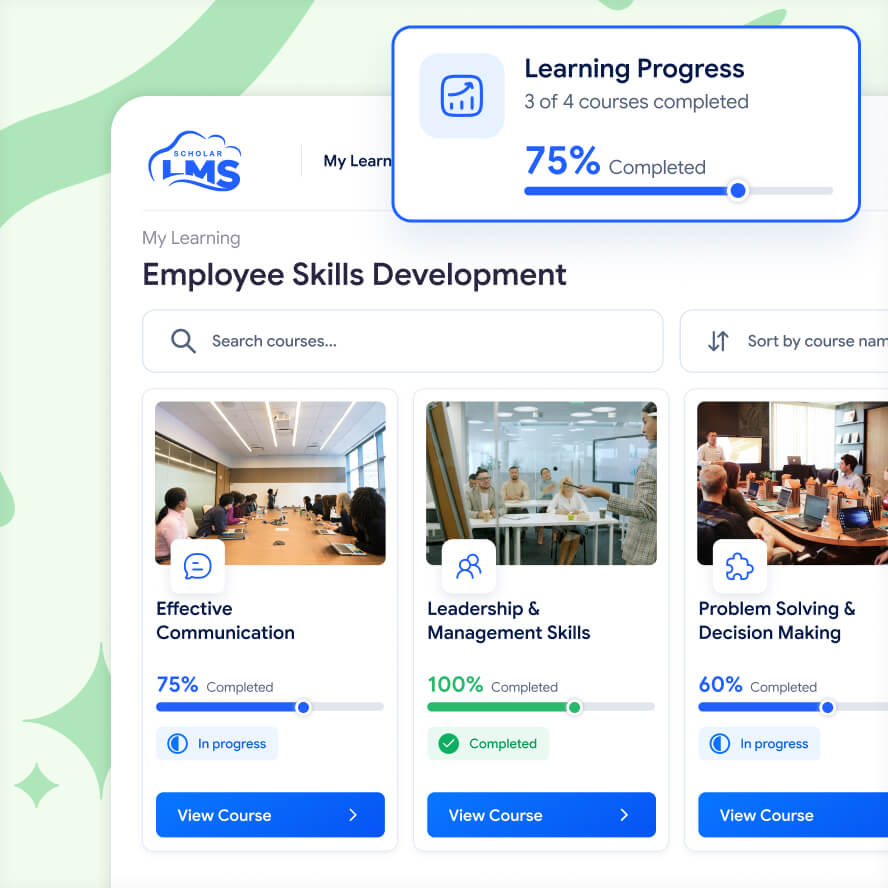
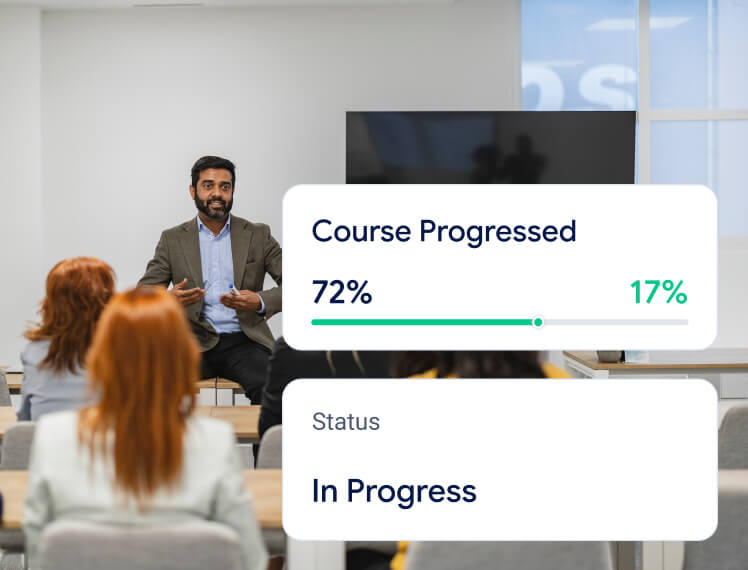
Employee learning dashboard showing assigned training courses and completion progress
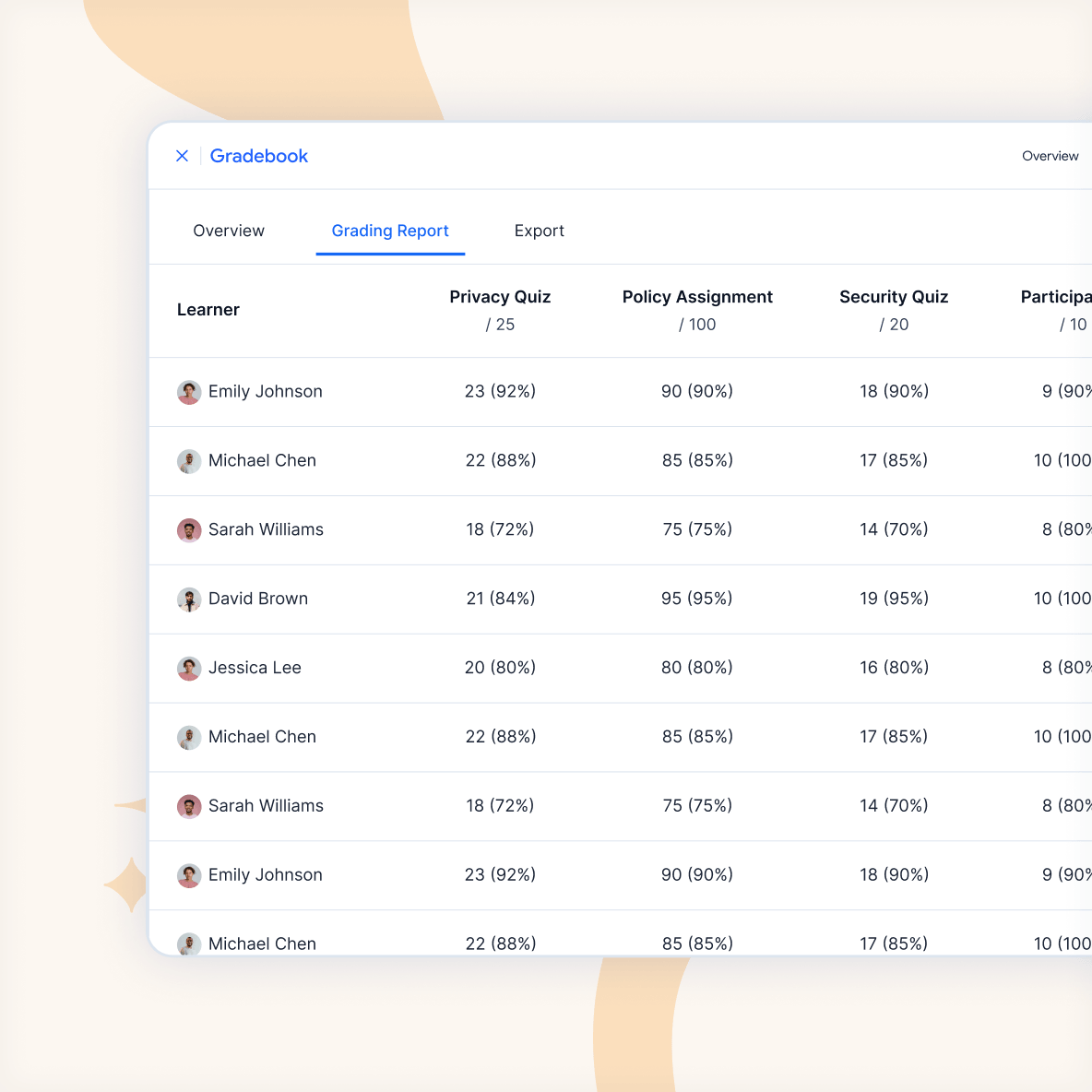
Assessment results table showing learner scores, attempts, and grading records

Roles and Permissions

Give people access to the areas they are responsible for

  • Assign pre-defined roles like administrators, managers, instructors, and learners for common responsibilities
  • Create custom roles with tailored permissions
  • Give department or program managers access only to relevant learning areas
  • Let instructors manage their own courses and learners
  • Delegate course management without giving full site administration

Groups and Cohorts

Organize learners around teams, cohorts, and programs

Organize users into groups or larger learner collections to support different teams, classes, customers, departments, or training programs.

  • Group learners within courses
  • Control group-based activities
  • Support separate or visible groups

User management features

Tools for organizing users and access

ScholarLMS brings user administration, enrollments, permissions, and groups together so you can manage who learns, who teaches, and who administers the platform.

Bulk user actions

Update, enroll, suspend, or organize multiple users more efficiently.

User imports and exports

Move user records in and out using structured files for larger administrative tasks.

Custom roles

Create roles with tailored permissions for specific responsibilities.

Course-level permissions

Give people access within specific courses without granting wider platform control.

Group-based access

Use groups and cohorts to organize learners by team, department, client, or program.

Enrollment methods

Support different ways of getting learners into courses based on how your programs operate.

No credit card required | Full access for 14 days

Solutions

Built for the way you deliver learning

Whether you create courses, deliver professional training, or develop your team, ScholarLMS gives you the tools and support to manage learning your way.

Course creators

For educators, experts, and learning businesses that want to create branded courses, sell access, and grow their online learning business.

Training providers

For academies, training companies, and professional education providers delivering structured programs and certifications to external learners.

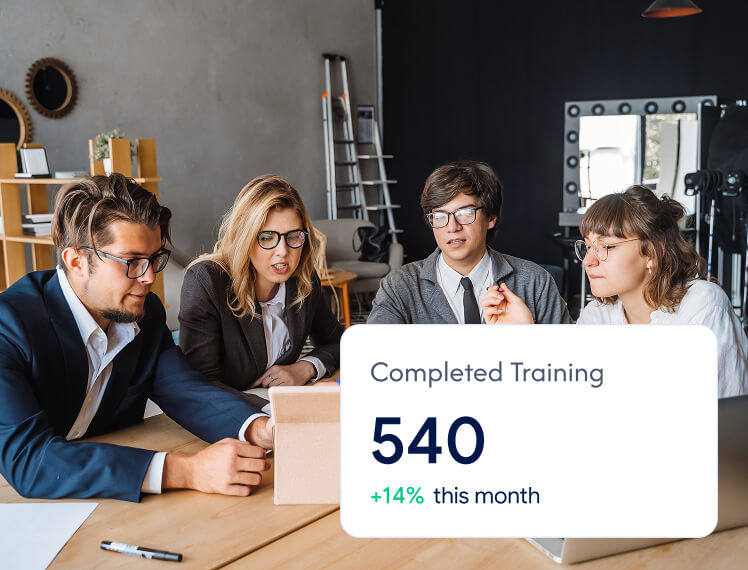
Team using employee training with completion tracking

Teams and companies

For organizations managing employee onboarding, skills development, compliance training, and learning for partners or customers.

Frequently Asked Questions

Can users be organized into groups?2026-10-13T22:53:12+05:30

Yes. Learners can be grouped to support different classes, teams, departments, cohorts, or training scenarios.

Can I manage users in bulk?2026-10-13T22:53:18+05:30

ScholarLMS supports bulk user workflows such as imports, updates, enrollments, and other administrative actions where applicable.

Can I manage different user roles in ScholarLMS?2026-10-13T22:53:32+05:30

Yes. Roles and permissions can be used to control what learners, instructors, managers, and administrators can access and manage.

Can learners be enrolled automatically after purchasing a course?2026-10-13T22:54:44+05:30

Yes. Paid course workflows can connect purchases with learner enrollment and access.
Go to Top