
Updated #
- BigBlueButton (the Online Classroom) platform is updated from v2.2.6 to v2.3.x This release includes multiple fixes and overall improvements.
Improvements #
1. Updated redirection to course home page
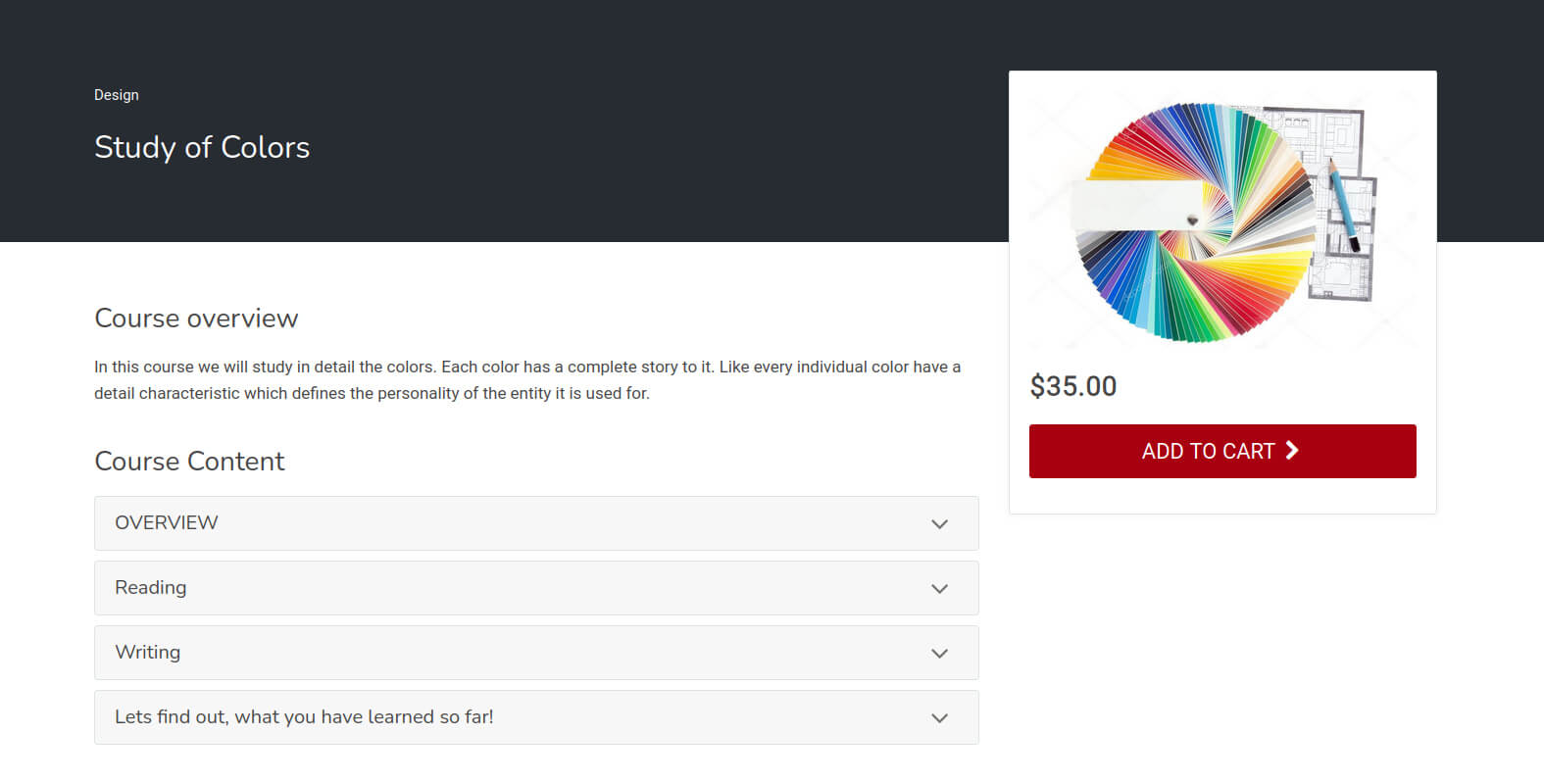
In the past, on accessing a course the user was redirected to the login page (if not logged-in) or to enrollment page (if logged-in but not enrolled). Now, on accessing the course takes user to the course home page (course overview page).
2. Online classroom’s permanent URL has been changed from scholarlmslive.com to live.scholarlms.com
3. Switch to another user for any number of times
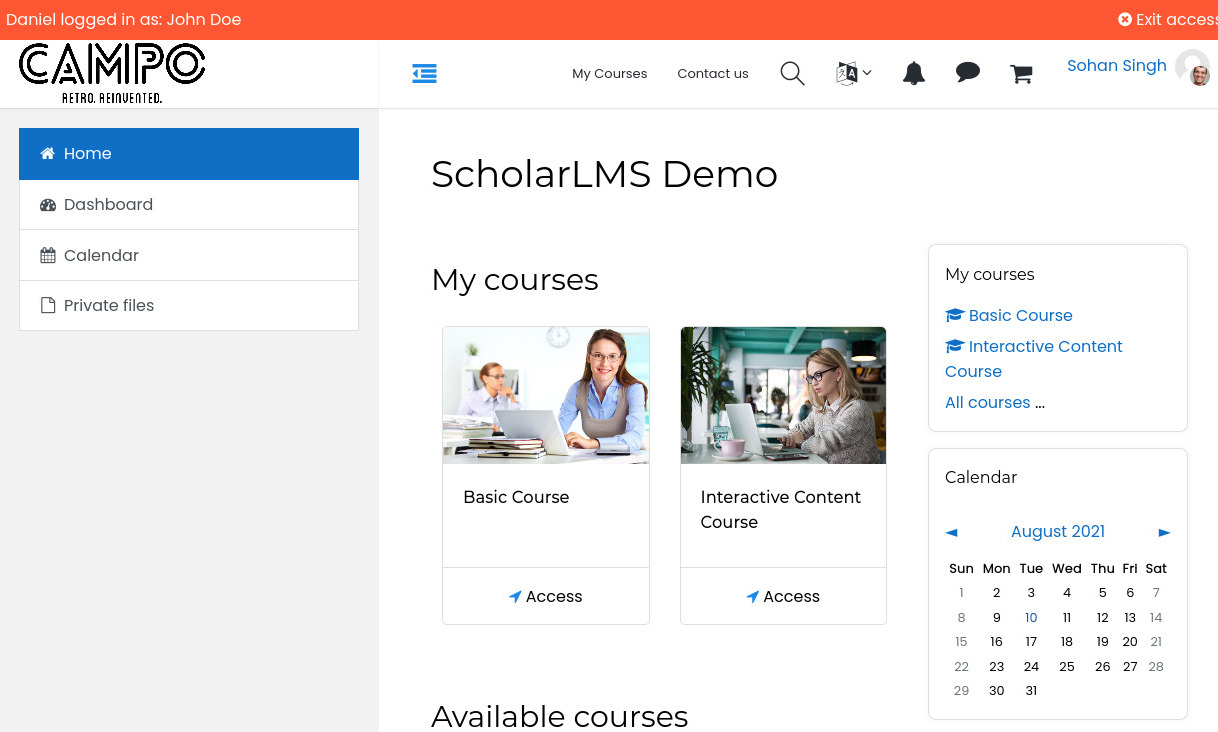
Previously an admin/manager (or any user having switch user capability) could “Log in as” to other account (like students) but couldn’t get back to their own account. With this improvement you can “Log in as” to student’s account, examine exactly how that user would see the LMS, once done click on Exit link to get back to your source account.
New features #
1. Repurchase of a course before enrollment expires
This new feature of LMS will facilitate the users to renew access to the course before enrollment expires. Admin can setup a “Notification threshold” which would determine how long before enrollment expiry should a user be notified with an alert and email notification.
Read more →
2. Disabling right click and text selection
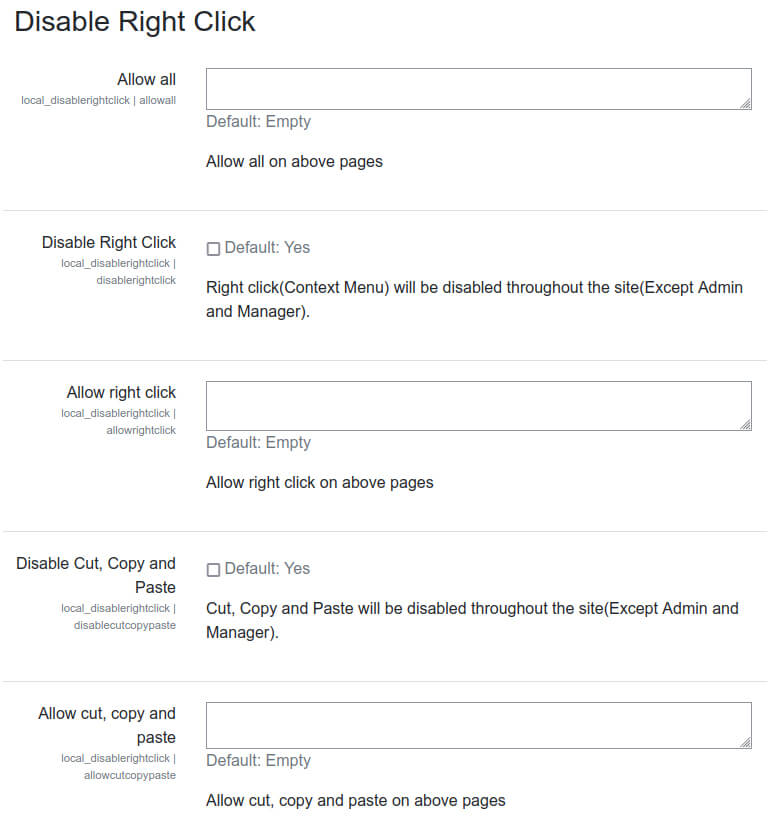
There could be cases when you want to discourage selection of LMS’s content which user can further copy/paste. This plugin gives you ways, which are:
- Allow all – Add URL of the pages where right click, copy/paste will be allowed.
- Disabled right click – Right click(Context Menu) will be disabled throughout the site(Except Admin and Manager).
- Allow right click – Add URL of the pages where you want to allow right click.
- Disable Cut, Copy and Paste – Cut, Copy and Paste will be disabled throughout the site(Except Admin and Manager).
- Allow cut, copy and paste – Add URL of the pages where you want to allow copy and paste.
3. Integration between ScholarLMS and Physiou App is available now. With this integration users can now access Physiou app resources without leaving the LMS platform at all.

4. Custom activity/resource icons
Ever wanted to have your custom activity/resource icons? Don’t worry we have now added a page which can be used to customize the activity icon for the LMS site. To upload a custom icon for an activity Go to Site administration → Appearance → Manage Activity Icons. You can upload png, jpeg, jpg, and svg icons. Square sized images like 64×64 pixels are recommended.
5. Order is now linked with course enrollment
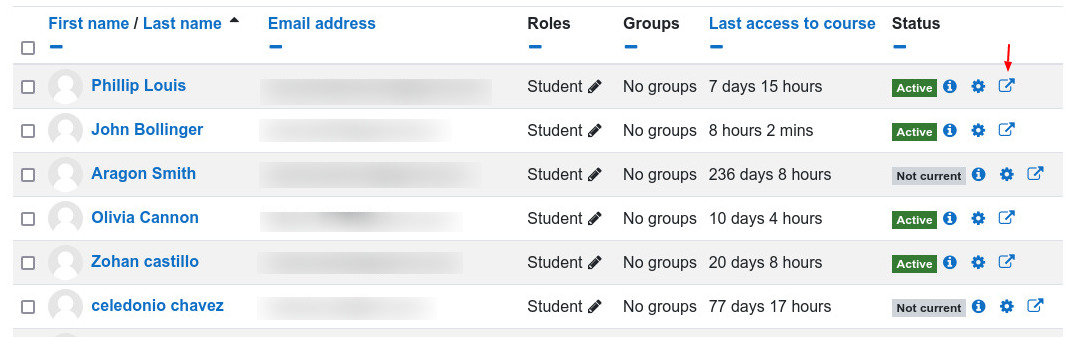
In this update, we have linked user’s enrollment with the order which caused it. If a user has purchased the same course multiple times, all the related orders will be linked with in the same enrollment.
Fixes #
- Video Mp4 files which were not running on Chrome and Edge browsers have been fixed.
- The issue of book activity’s TOC (table of content) floating below the main content area has been fixed and now it comes on the right side.