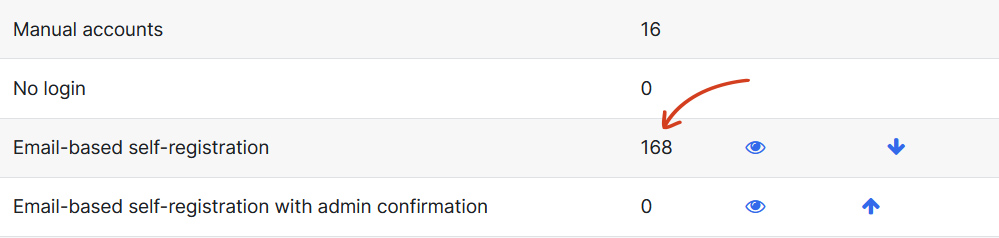
As the name suggests this registration method enables a user to create their own account from Sign up page. The site admins then receive an email containing a secure link to confirm the account.
To enable Self Registration with admin confirmation:
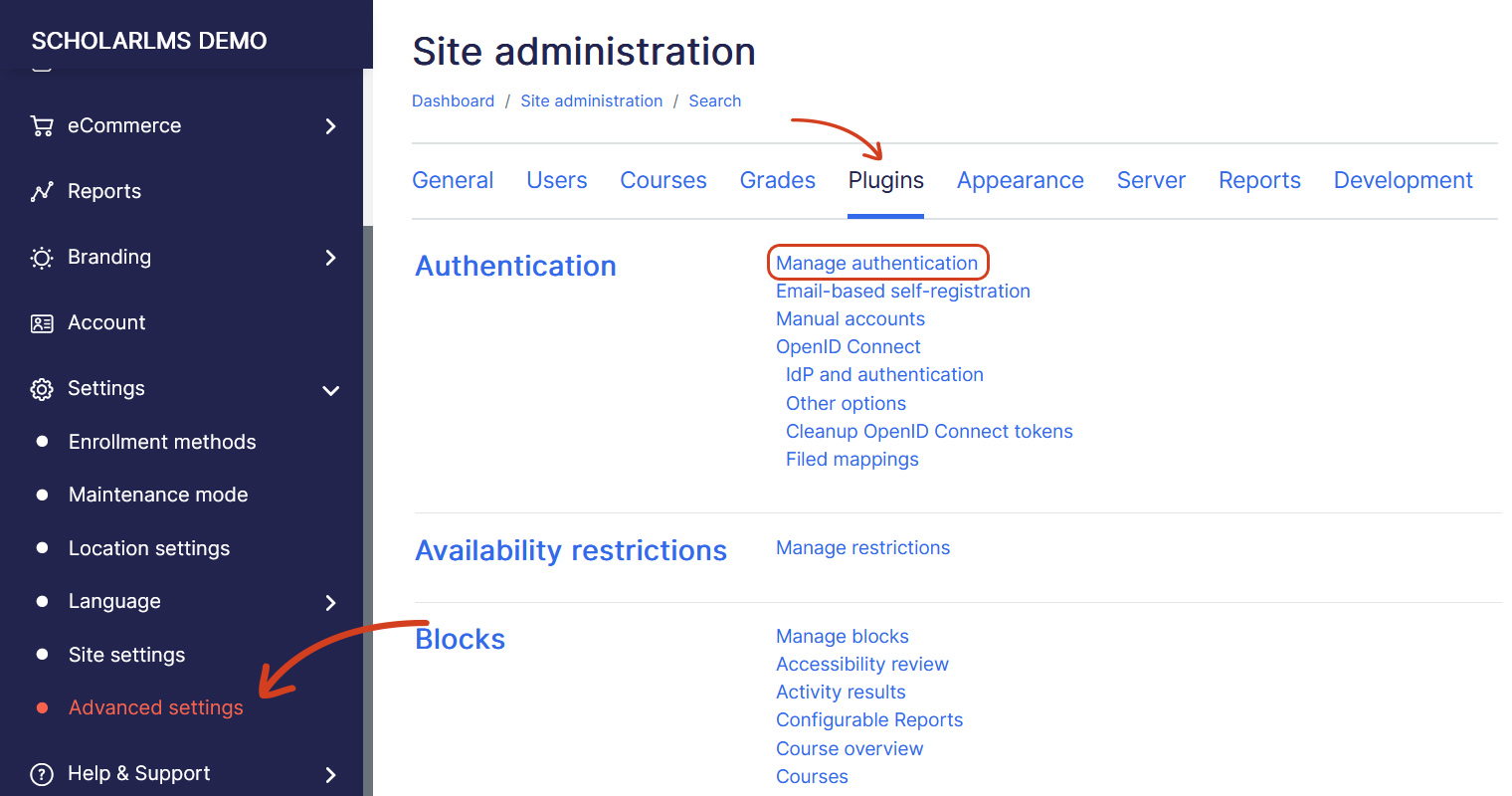
- Navigate to Settings->Advanced Settings, click the Plugins tab, Scroll to the Authentication section and click Manage authentication.
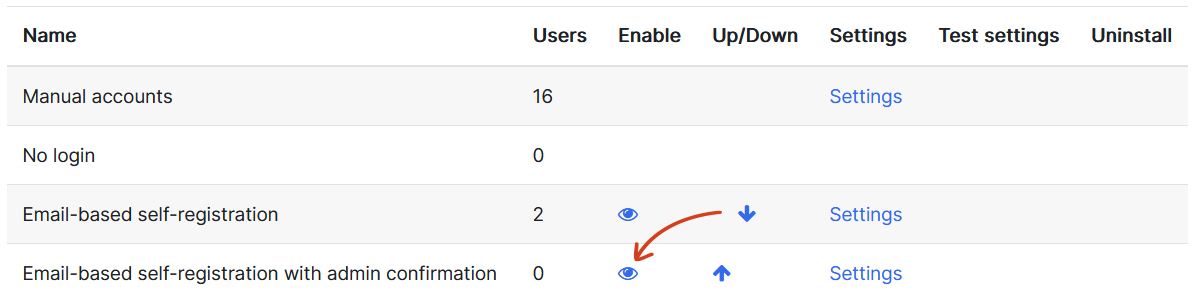
- On Manage authentication page Enable Email-based self-registration with admin confirmation by clicking on the eyeball icon.
- Now scroll down, choose Email-based self-registration with admin confirmation method from the Self Registration dropdown under Common settings.

- Once done, click Save changes.
Warning: Make sure you do not disable any other authentication methods that existing users are already using. Doing so would disable all user accounts using that authentication method, which could cause confusion for students.